

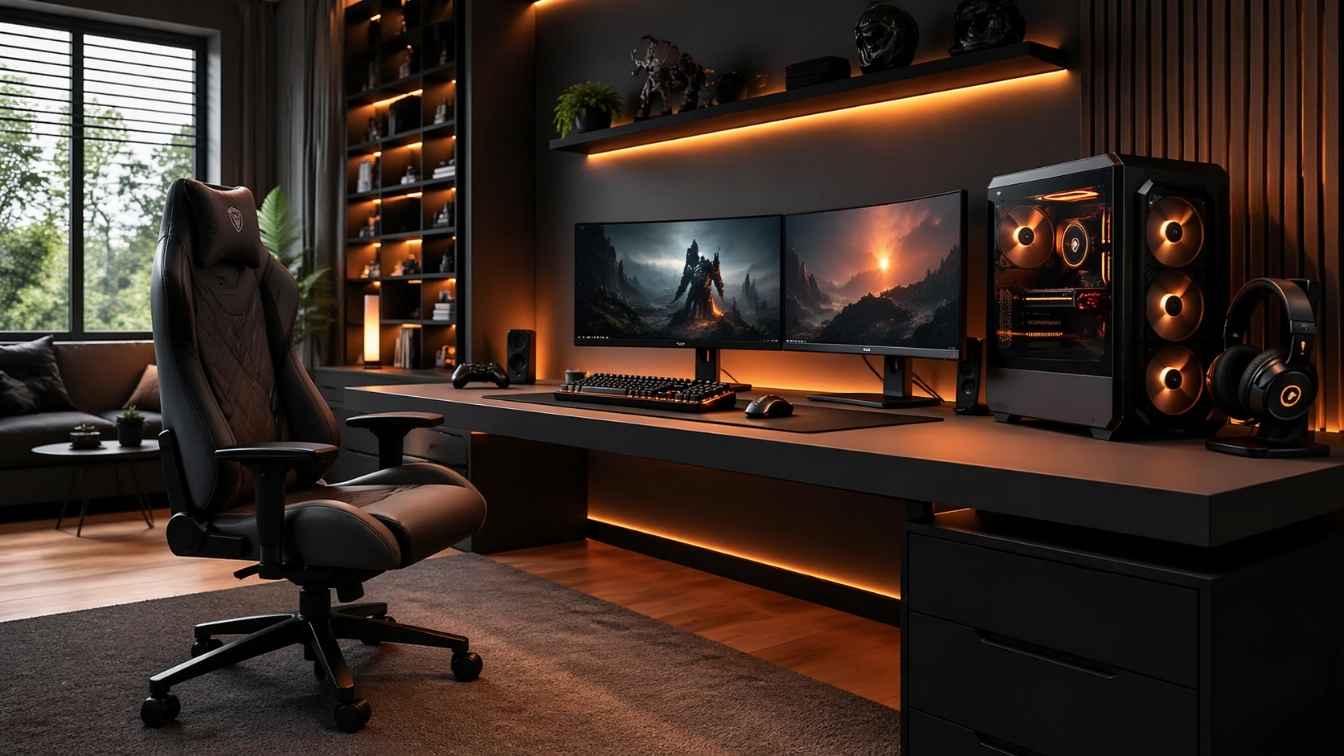
Most gamers spend hundreds on peripherals but barely think about their desk. Here’s the truth: a smarter gaming desk setup can improve posture, reaction time, and the way your space feels every single session.
The right gaming desk idea doesn’t have to cost a fortune or require a room renovation. It just requires knowing what actually works and why. In this guide, you’ll discover 8 genuinely useful gaming desk ideas for 2026, from minimalist clean setups to hybrid console-PC battlestations, plus expert insights, trend analysis, and the common mistakes most guides never warn you about.
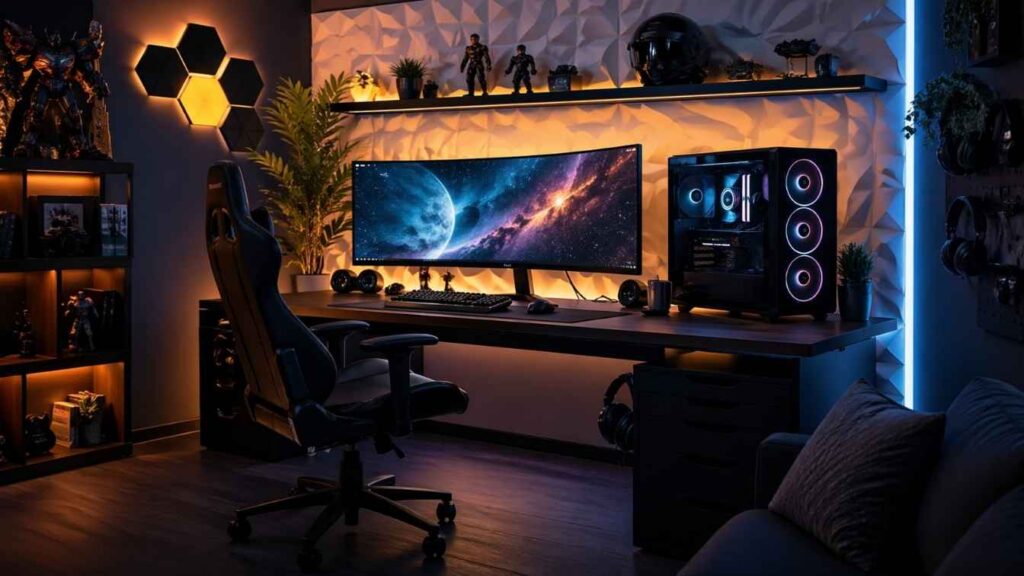
Whether you’re gaming in a small bedroom, a dedicated office, or a shared living space there’s a setup here that fits your real life, not just a fantasy studio. Let’s build something worth sitting at.
68%
of gamers report back pain from poor desk ergonomics
3–5x
more productive with a dedicated, organised gaming space
$180B
global gaming peripherals market by 2027
Don’t Miss: Gaming Room Ideas That Transform Any Space Into a Setup Worth Streaming
Minimalist Gaming Desk Setup for Maximum Focus
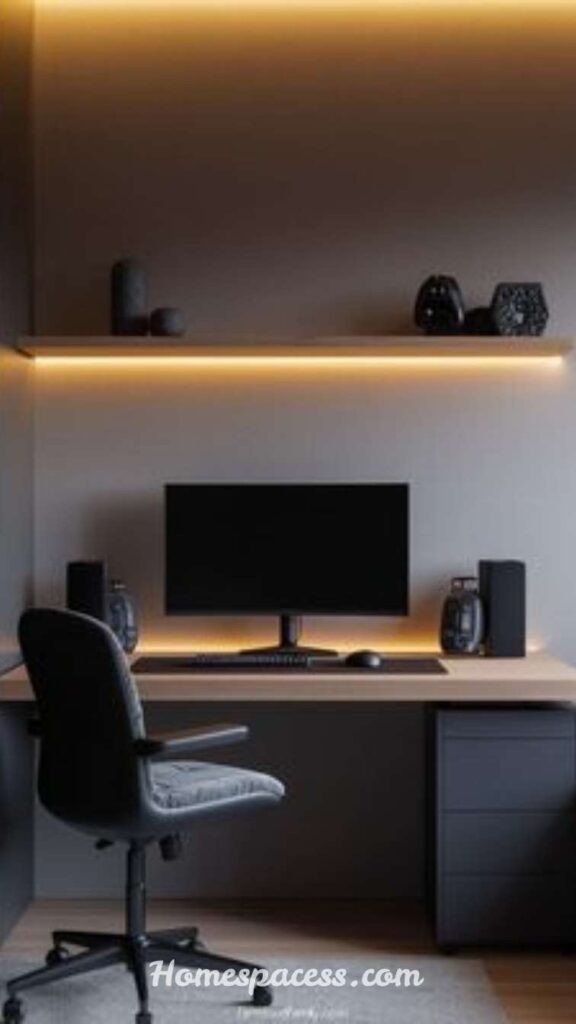
If your desk looks like a cable explosion happened and never got cleaned up, you are not alone. A minimalist gaming desk setup solves this by stripping everything down to what actually matters: your monitor, keyboard, mouse, and a single clean cable route tucked underneath. The psychological effect is real less visual clutter directly translates to better mental clarity during long gaming sessions.
The secret to a great minimalist setup is not just removing items it is choosing multi-function ones. For example, a monitor arm replaces a bulky stand and frees up an entire shelf of surface area. A small pegboard on the wall behind your desk handles headphones, charging cables, and controllers without crowding the surface. This style of gaming workstation also photographs beautifully if you stream or share your setup online, adding a professional edge to your brand.
Pro Insight:
Use a single-tone desk mat that spans the full width. It visually anchors all your peripherals and makes the setup look intentionally designed rather than randomly assembled. Leather-look or felt mats are trending in 2026 for exactly this reason.
Must Read: Living Room Curtain Ideas for a Cozy and Modern Home Look
L-Shaped Corner Gaming Desk for Multi-Screen Productivity
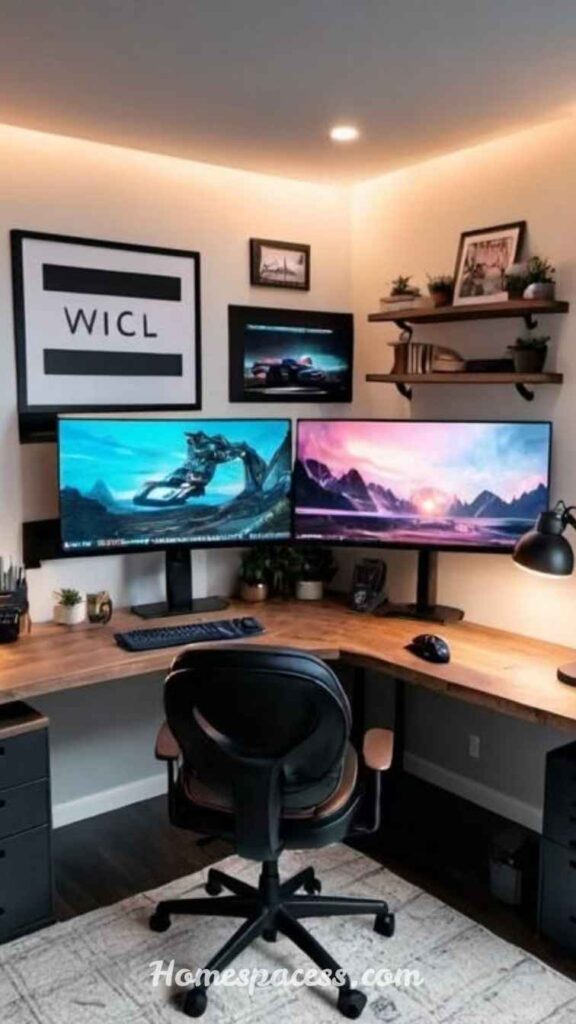
An L-shaped gaming desk is one of the smartest investments a serious gamer can make whether you game, stream, or work from the same space. The corner configuration lets you dedicate one side to pure gaming (monitor, keyboard, mouse) and the other side to productivity tasks like editing, streaming overlays, or content creation. This physical separation keeps your brain in the right mode for each activity, which is something a straight desk simply cannot replicate.
When choosing an L-shaped desk, prioritise surface depth over length. A depth of at least 30 inches allows comfortable monitor placement at arm’s length, which is critical for eye health during extended sessions. Models with integrated cable management channels along the back edge are a hidden gem they keep your entire setup looking clean without requiring aftermarket solutions. Solid wood or steel frame options also hold up far better than particle board over the years.
⚡Unique Insight:
Place your secondary monitor on the shorter leg of the L, tilted slightly inward. This creates a natural “cockpit” field of view that many competitive streamers use it reduces neck rotation and keeps everything in your peripheral vision simultaneously.
Don’t Skip: Kitchen Nook Ideas: Transform Dead Corners Into Cozy, Functional Spaces
Standing Desk Gaming Setup for Healthier Long Sessions
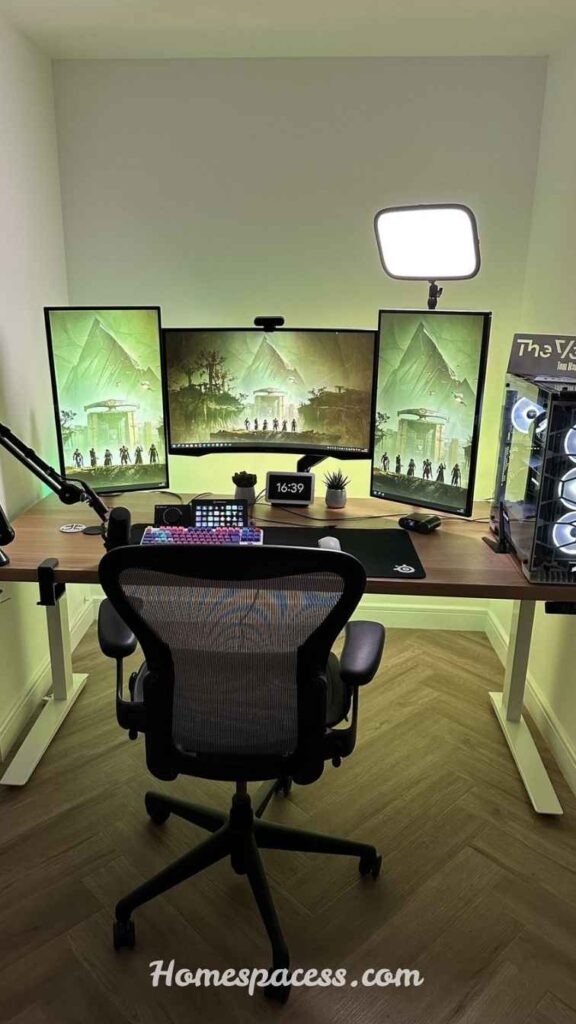
Standing desks are no longer just a corporate wellness trend they have earned a serious place in competitive gaming. When you alternate between sitting and standing during a gaming session, you reduce lower back compression, improve circulation to your legs, and counterintuitively maintain sharper mental alertness. Many top-level streamers now use electric sit-stand desks and switch positions every 45 to 60 minutes, treating it as part of their performance routine rather than just a comfort feature.
The key metric most guides miss is the correct standing height formula: your standing desk height should position your elbows at exactly 90 degrees with your hands resting naturally on the keyboard. For most adults, this is around 38 to 44 inches. An anti-fatigue mat is non-negotiable standing on hard floors for even 30 minutes causes fatigue that bleeds into your gameplay. Look for mats with a raised edge that prompts subtle foot-shifting movements, which further improves circulation.
🏃 Expert Tip:
Programme two memory presets on your sit-stand desk one for gaming (slightly lower for controller or keyboard comfort) and one for standing productivity. Switching takes two seconds and dramatically reduces the friction of actually using the standing feature daily.
Read Also: Creative Camper Interior Ideas to Make Your RV Feel Like a Dream Home
RGB-Lit Battlestation Desk That Actually Looks Good
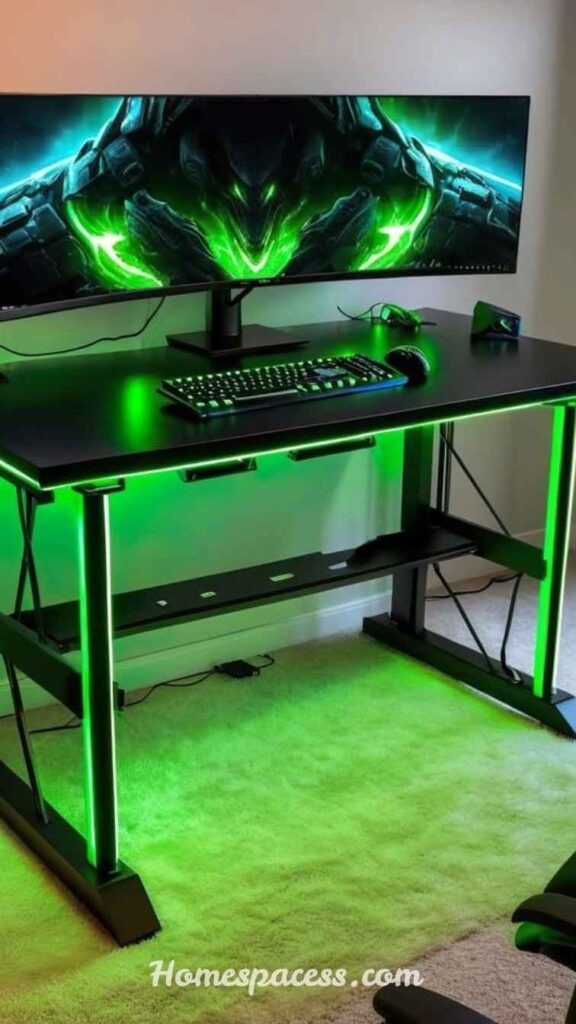
There is a big difference between an RGB gaming desk setup that looks like a theme park ride and one that looks genuinely impressive. The secret is cohesion: choose two or three colours maximum, match them across your keyboard, mouse, desk strips, and monitor bias lighting, and set everything to the same animation pattern. A fully sync’d Razer Chroma or Corsair iCUE ecosystem is the easiest way to achieve this, as the software handles all peripheral coordination automatically.
Bias lighting behind your monitor is the most underrated RGB addition for any gaming desk. It reduces eye strain by increasing the ambient luminance around the display, which softens the contrast between the bright screen and dark room. Govee and Philips Hue both offer screen-sync options in 2026 that mirror your in-game colours in real time creating an immersive effect that rivals cinema-style ambient lighting systems without the cost of a full smart home installation.
🎨 Designer’s Tip:
Run LED strips along the underside of the desk facing the floor rather than visible on the edge. This produces a subtle glow that reflects on the floor, creates atmosphere, and looks far more premium than strips pasted on the back of monitors.
Wall-Mounted Floating Gaming Desk for Small Rooms
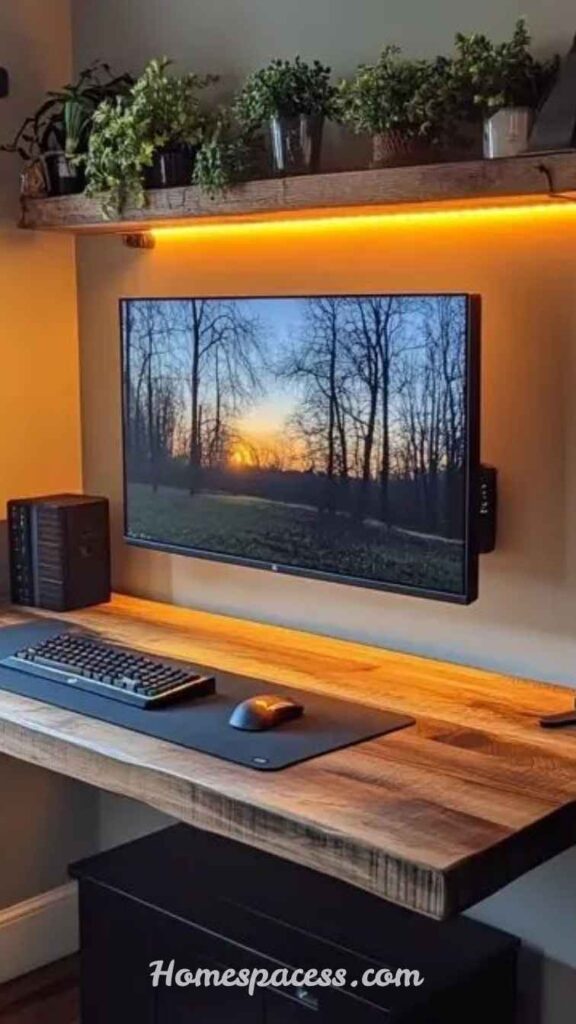
If you are gaming in a small bedroom or apartment, floor space is your most valuable resource. A wall-mounted floating gaming desk solves this brilliantly it clears the floor entirely, makes the room feel visually larger, and can be folded away when not in use. Brands like IKEA (with their NORBERG and EKBY systems) and newer manufacturers like Prepac offer wall-mount desks that support up to 50 lbs, which is more than enough for a full gaming monitor, keyboard, and accessories.
The key installation decision most people overlook is stud placement. Always mount into wall studs, not just drywall, especially if you plan to add a monitor arm later. A misaligned or under-supported floating desk is both a safety risk and a stability issue that will affect your mouse precision during intense gaming moments. If your stud positions do not align with your ideal desk placement, a steel French cleat system offers the best weight distribution alternative.
📐 Space Hack:
Pair your floating desk with a pegboard mounted directly above it. You can hang your headset, charge controllers, store SD cards, and display small collectibles all without using a single square inch of precious desk surface area.
Dual Monitor Gaming Desk Setup for Streamers and Creators
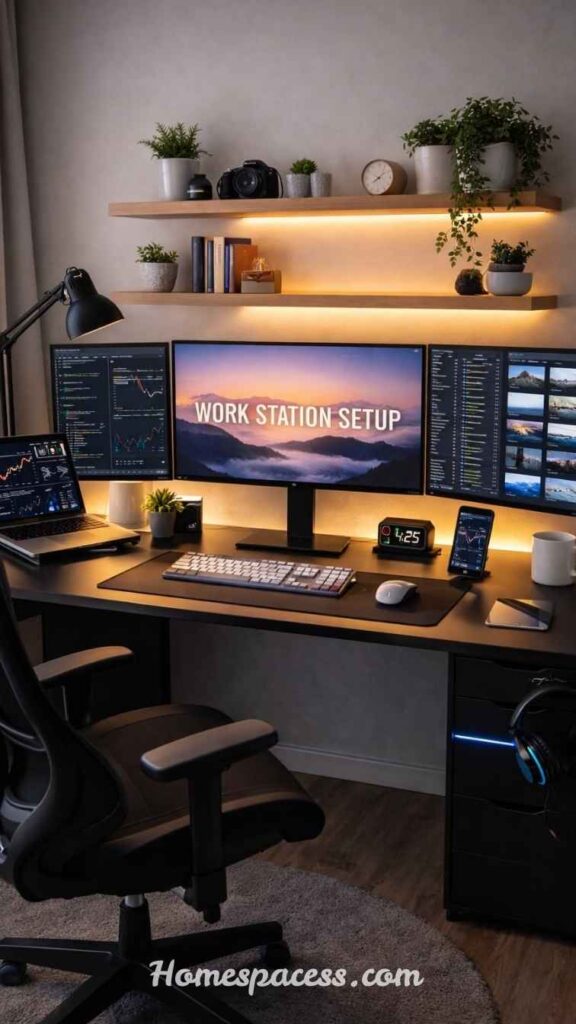
A dual monitor gaming desk is the definitive setup for anyone who games and creates content simultaneously. The ideal arrangement places your primary gaming monitor directly in front of you at eye level, and your secondary monitor angled 30 to 45 degrees to one side not placed flat beside it. This angle reduces neck rotation by about 60% compared to side-by-side flat placement, which matters enormously over a four-hour streaming session.
The hardware choice that makes or breaks dual monitor setups is the monitor arm. A dual arm with independent adjustment lets you set each display at the precise height and angle your workflow demands. Gas-spring arms (rather than screw-tension ones) allow effortless repositioning mid-session. If you want your desk surface to stay completely clear, route your power and USB hubs through a cable spine or raceway system mounted to the back leg of your desk this single change makes any setup look 10 times more professional on camera.
🎥 Streamer Insight:
Position your webcam at the top-centre of your primary monitor, not on the secondary screen. When you glance at chat on your second monitor, your eye-line stays close to the camera maintaining the “looking at the audience” feel that top streamers cultivate.
Budget Gaming Desk Makeover That Looks Premium
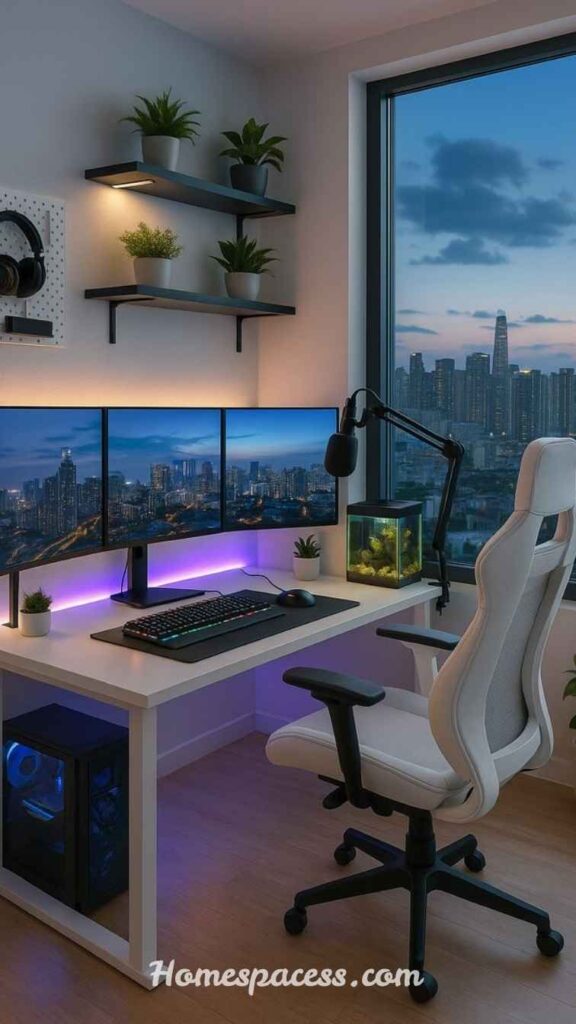
You do not need to spend $500 on a new desk to have a premium-looking gaming setup. The most impactful budget gaming desk upgrade costs under $40: a full-size desk mat. It immediately transforms the aesthetic, protects the surface, and gives your peripherals a cohesive visual platform. Combined with simple cable management clips (around $10 for a pack) and a basic monitor riser to elevate your screen, you can completely overhaul the feel of an existing desk without replacing it at all.
The second-highest-impact budget move is lighting. A $25 LED bias light strip behind your monitor creates a moody, professional atmosphere that makes your setup look intentional rather than improvised. If you have an older desk with a damaged or dated surface, vinyl desk wraps are a surprisingly affordable solution similar to car wraps but sized for desktops. They come in wood grain, concrete, carbon fibre, and solid colour patterns, and a quality wrap costs $20 to $50 depending on desk size.
💰 Value Tip:
The single highest-ROI purchase in any gaming desk setup is a monitor arm, not a new desk. For $35–60, you gain 30% more usable desk surface, improve monitor ergonomics, and dramatically clean up your setup’s visual appearance all from one purchase.
Console & PC Hybrid Gaming Desk for Multi-Platform Gamers
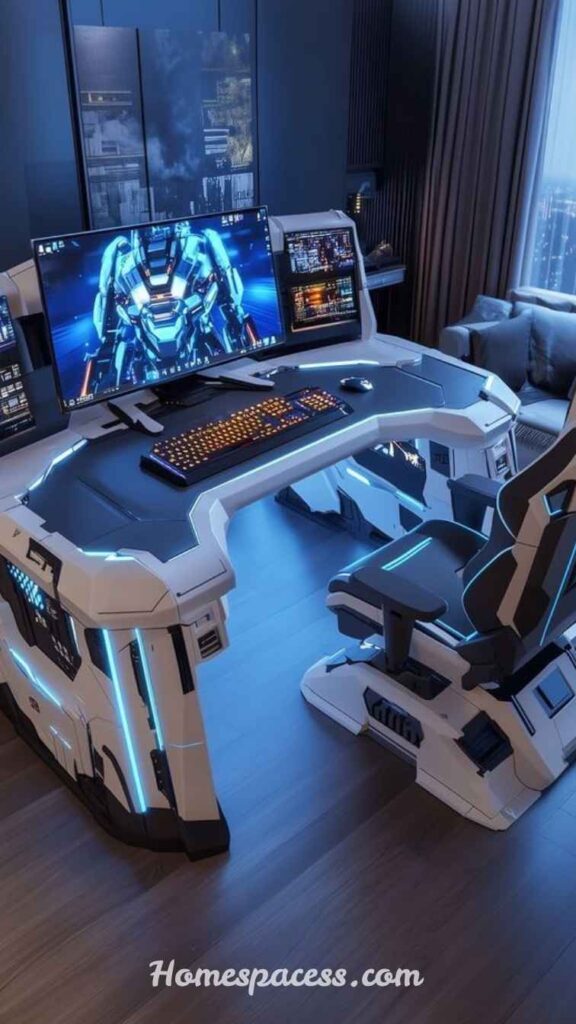
Multi-platform gaming is more popular than ever in 2026, and the challenge of housing both a PC and a console on one desk without clutter is real. The best hybrid gaming desk setups use vertical space aggressively. A desktop console stand that holds your PlayStation or Xbox vertically frees up horizontal surface area, and a 4K monitor with HDMI 2.1 support lets you switch between PC and console input with a single button press no separate TV required.
The overlooked element in hybrid setups is input switching. A USB-C KVM switch or a smart HDMI switcher allows keyboard, mouse, and monitor to be shared between your PC and console without unplugging anything. Some gamers also add a small secondary screen as a dedicated console display, particularly useful when you want to run a console game while working on your PC simultaneously. A well-planned hybrid desk can genuinely replace both a gaming room TV setup and a dedicated PC station in one elegant arrangement.
🎮 Hybrid Hack:
Use a controller charging dock on your desk, positioned at arm’s reach on the non-dominant side. Keeping controllers always charged and accessible removes one of the biggest friction points that pulls console gamers to reach for handheld devices instead of their desk setup.
Conclusion
The best gaming desk ideas are not the most expensive or the most visually dramatic they are the ones designed around how you actually game, work, and live in your space. Whether you go minimalist, modular, ergonomic, or RGB-forward, the principles stay the same: prioritise surface depth, manage cables intentionally, build for long-term comfort, and invest in quality where it counts.
As gaming technology continues to evolve rapidly in 2026 and beyond, a well-designed gaming desk setup gives you the foundation to adapt without starting over. The right desk grows with your hobby rather than constraining it.
Pick one idea from this guide that solves your biggest current frustration whether that’s cable chaos, poor posture, or wasted space and start there. Small, intentional improvements compound into setups that feel genuinely exceptional to sit at every single day.
Trend Analysis
2026 Gaming Desk Trend Analysis: What’s Dominating Now & What’s Coming
The gaming desk market shifted significantly in 2026–2027 in ways that most mainstream guides have not caught up with. The biggest shift is the convergence of the gaming desk and the work-from-home desk. Because so many people now need their setup to perform double duty gaming at night, client calls in the morning desk aesthetics have moved sharply toward cleaner, wood-tone, and neutral palettes. The “full black battlestation” look is giving way to warm oak surfaces, curved monitor arms, and ambient lighting that works under Zoom calls as well as during Elden Ring sessions.
Modular desk systems are the second major trend gaining serious momentum. Brands like Flexispot, Branch, and Fully are launching desk systems where the surface, legs, storage drawers, and cable management are sold as configurable modules. This approach lets gamers start with a basic setup and expand it piece by piece, rather than replacing the entire desk when their needs change. It also drastically reduces e-waste a factor that increasingly matters to younger buyers who are as sustainability-conscious as they are performance-focused.
The third trend is the integration of wireless charging surfaces directly into desk materials. In 2026, several desk manufacturers have begun embedding Qi2 wireless charging pads flush with the desk surface visible only as a subtle logo or indicator light. This eliminates the last remaining cable clutter for most gamers: the phone charging cable. As more gaming peripherals adopt wireless-first designs, the truly wireless gaming desk setup is becoming achievable as a realistic goal rather than a concept video fantasy.
Expert Tips
Expert Tips for Optimising Your Gaming Desk Setup in Real Use
The ergonomic rule that most setup guides mention once but never emphasise enough is the monitor distance formula. Your primary display should be positioned at a distance equal to roughly arm’s length about 20 to 28 inches from your face and the top of the screen should sit at or just below eye level. Most gamers place their monitor too high, which causes the head to tilt back subtly and creates chronic upper neck tension over months of sessions. Dropping the monitor two to three inches can eliminate this issue entirely without any equipment purchase.
Acoustic management is the expert-level optimisation almost no gaming desk guide covers. If you use a condenser microphone for streaming or voice chat, the hard surfaces of a desk (glass, laminate, metal) reflect sound back into the microphone, causing a hollow or reverberant quality. A thick desk mat, a small acoustic panel mounted on the wall above the desk, and a boom-arm microphone with a shock mount together solve this problem completely. The result is a vocal quality comparable to dedicated podcast studios, achieved at a fraction of the cost.
Power management is the final expert consideration. A high-quality surge protector with individual switched outlets lets you cut power to idle peripherals monitors, speakers, console without unplugging anything. Over a year of use, this can meaningfully reduce standby power consumption, which matters both for your electricity bill and for peripheral longevity. Gaming monitors and speakers that run in standby for 8+ hours daily accumulate wear on their power supply components that shortens their lifespan, so proper shutdown habits extend the life of your entire setup
Sustainability
Long-Term Value & Sustainability: Building a Gaming Desk That Lasts
The fastest way to waste money on a gaming desk setup is to treat it as a single purchase rather than a long-term investment. The desks that offer the best long-term value share three characteristics: solid-core or steel-frame construction, a surface that can be refinished or wrapped rather than replaced, and a design that accommodates evolving technology without structural changes. A solid oak or steel-frame desk purchased at $400 will outlast three $130 particle-board desks while looking better in year five than those alternatives did in month one.
Sustainability in gaming setups is a growing conversation that goes beyond the desk itself. The gaming industry generates significant electronic waste, and the most responsible approach is to buy fewer, higher-quality pieces and repair rather than replace them when possible. Monitor arms, for instance, are universal enough that a quality arm purchased today will work with the next three monitors you own. The same applies to cable management systems, desk mats, and power strips invest once in quality versions and they serve the entire lifecycle of your gaming career.
From a strategic perspective, resale value matters too. Desks from recognised brands like Uplift, Autonomous, or Herman Miller hold resale value remarkably well on secondary markets. If you spend $600 on an Uplift standing desk and sell it in four years, you may recover 50–60% of the cost making your effective net spend far less than the sticker price. Budget desks from unknown brands, by contrast, have almost no resale market and typically end up in landfill, making them both financially and environmentally the less responsible choice.
Future Innovations
Future Gaming Desk Innovations: What to Expect by 2028
The gaming desk of 2027–2028 will look meaningfully different from today’s setups, and understanding these trajectories helps you make smarter purchases now. The most significant incoming technology is embedded display surfaces. Several research labs and prototype companies are developing desk surfaces with integrated low-resolution displays imagine a desk that can show your minimap, health bar, or system stats directly on the surface beside your keyboard, without any secondary screen. LG and Samsung have both filed patents related to “active desk surface” technology as of 2025.
🖥️ Smart Desk Surfaces
Desks with embedded touch-sensitive display layers for game stats, system monitoring, or creative tool shortcuts no extra screens needed.
⚡ Wireless Everything
Full wireless power delivery to desk peripherals via resonant charging mats embedded in the surface eliminating every remaining cable from the equation.
🤖 AI Posture Monitoring
Desks with built-in sensors and AI cameras that detect slouching, remind you to stand, and automatically adjust height based on learned patterns
🌡️ Climate-Adaptive Surfaces
Temperature-regulated desk surfaces that stay cool under wrist rests during hot gaming sessions early prototypes already exist from Japanese manufacturers
Voice-controlled desk adjustments are also moving from novelty to practical reality. Integrated smart home compatibility means your desk will soon be fully controllable via Alexa, Google, or Apple Shortcuts transitioning from sit to stand automatically based on calendar events, gaming session start times, or health app recommendations. The gaming desk is evolving from a piece of furniture into an active participant in your wellness and performance ecosystem.
Common Mistakes
Common Gaming Desk Mistakes Most Guides Never Mention
After analysing hundreds of gaming desk setups and reading through community feedback across Reddit, YouTube, and dedicated gaming forums, a clear pattern of recurring mistakes emerges. These are not the obvious errors they are the subtle ones that silently ruin an otherwise great setup and only become apparent months after the initial build.
Wrong Desk Height for Chair
Buying a desk without checking compatibility with your existing chair’s height range. Most desks sit at 29–30 inches too low for tall users without a chair that compensates
Ignoring Cable Weight on Arms
Heavy GPU power cables and HDMI bundles pulling on monitor arms cause gradual drift. Always factor cable weight when choosing a monitor arm’s weight rating.
Placing Desk Against a Vent
Positioning a desk over or beside HVAC vents creates fluctuating surface temperatures, causes condensation on cold desks, and introduces airflow noise picked up by microphones.
Skipping a UPS for PC Setups
Power fluctuations and brief outages can corrupt SSDs, corrupt save files, and cause hardware damage. A basic UPS costs $60–80 and protects thousands in equipment
Overloading Surface Weight Limits
Many budget desks support only 50–80 lbs. Two monitors, a PC case, peripherals, and accessories can easily exceed this causing warping in the first year
No Glare Audit Before Buying
Not testing how natural light hits the desk position at different times of day leads to screen glare issues. Always test your desk placement over a full day before committing

Team Home Spacess shares simple, practical design ideas that work for real families. The team focuses on cozy décor, soft colors, and natural textures that make a space feel truly lived-in. From everyday decorating tips to creative home projects, Team Home Spacess is dedicated to helping readers create warm, comfortable, and inviting spaces with a fresh and personal touch.