

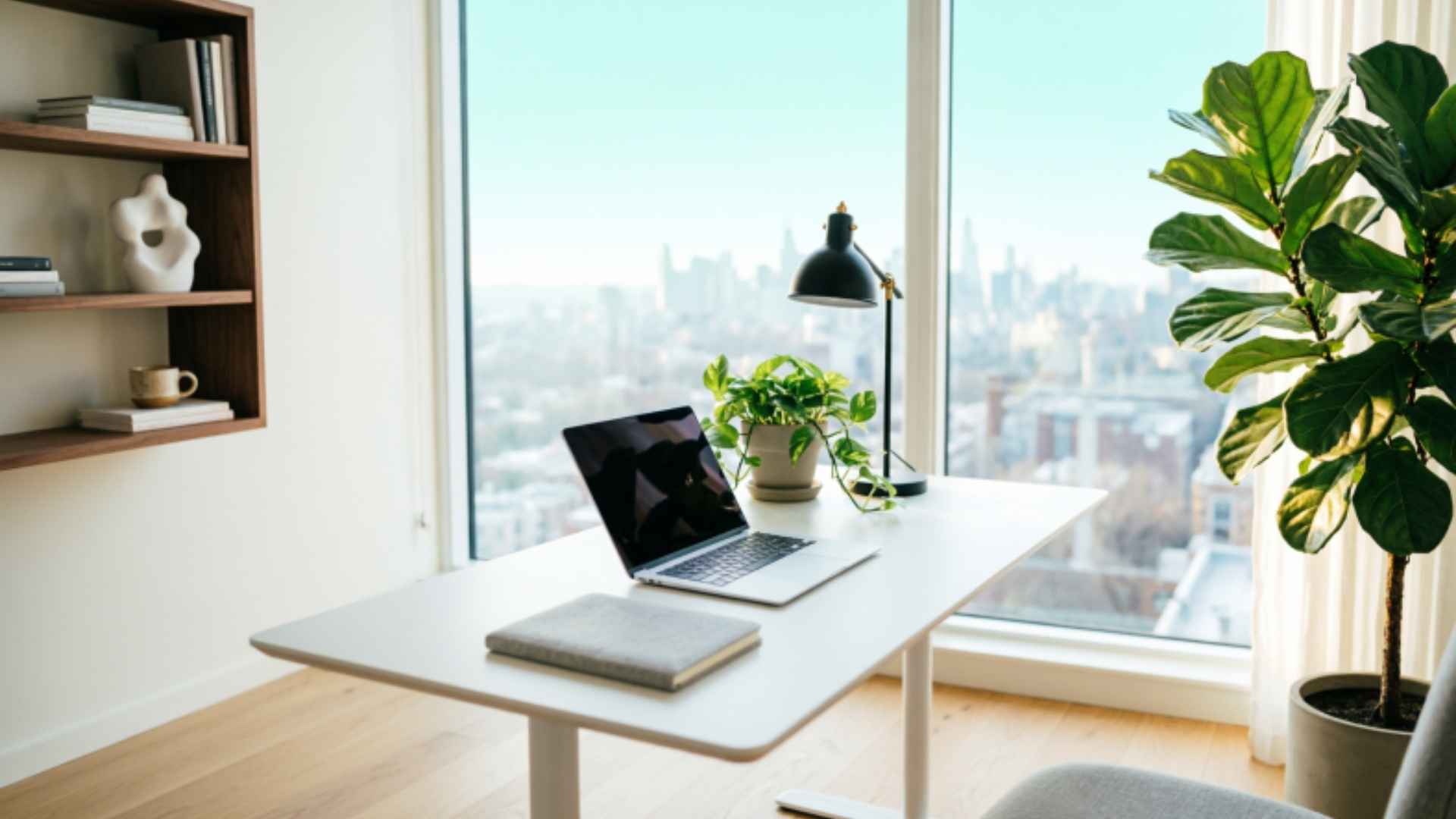
The home office Ideas has evolved from a temporary pandemic fix into a permanent productivity strategy. Yet most people still make the same fundamental mistakes bad lighting, poor ergonomics, zero acoustic control.
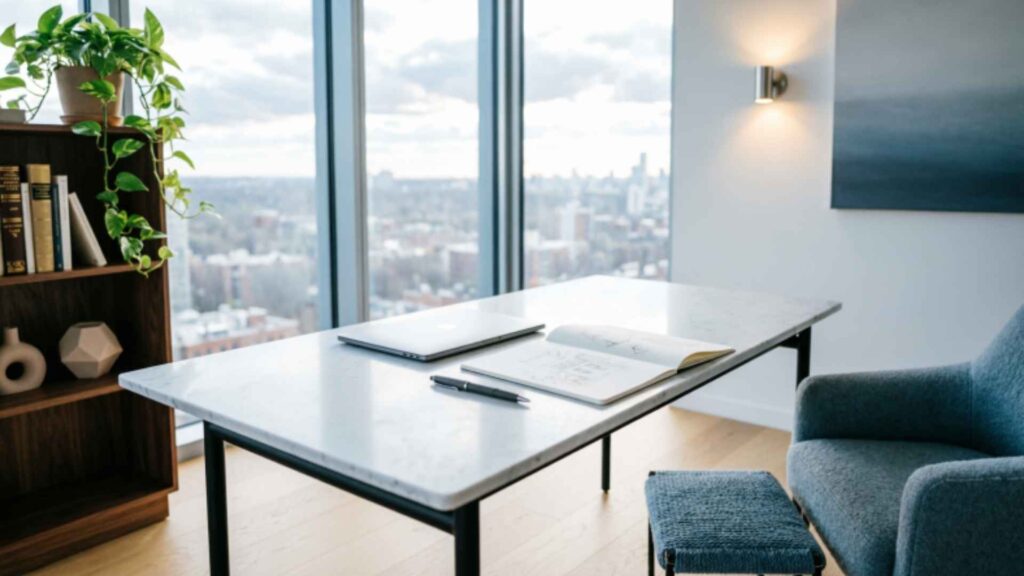
This guide cuts through the noise with 20 specific, research-backed ideas to help you build a home workspace that supports deep focus, long-term health, and genuine creative energy. Whether you have a spare room or just a corner of your bedroom, there’s something here for you.
Create a Psychologically Dedicated Work Zone
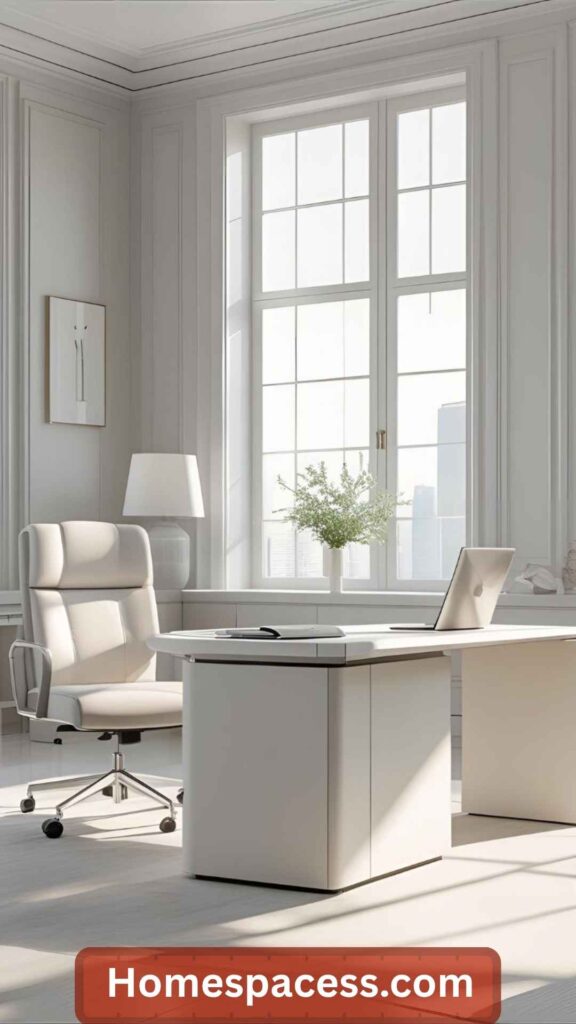
The single most powerful home office upgrade costs nothing: designate a specific space exclusively for work. Neuroscience research on context-dependent memory shows that your brain builds mental associations between physical locations and cognitive states. When you always work in the same spot, your brain begins shifting into “work mode” the moment you sit down reducing the ramp-up time that kills early-morning productivity.
This doesn’t require a separate room. A folding divider, a distinct rug, or even a consistent lamp can mark the psychological boundary. The key is ritual: you enter that zone to work, and you leave it when you’re done. Remote workers who apply this principle report clearer work-life separation and lower end-of-day mental fatigue. Even in a studio apartment, a consistent “work corner” outperforms shifting between the sofa, kitchen table, and bed.
Pro Insight: Pair your dedicated zone with a transition ritual a short walk, a specific playlist, or brewing coffee before sitting down. This “commute replacement” signals your nervous system that focused work is beginning.
Must Read: Small Bathroom Ideas: 25 Clever Ways to Make Every Inch Count
Build an Ergonomic Desk Setup That Protects Your Body
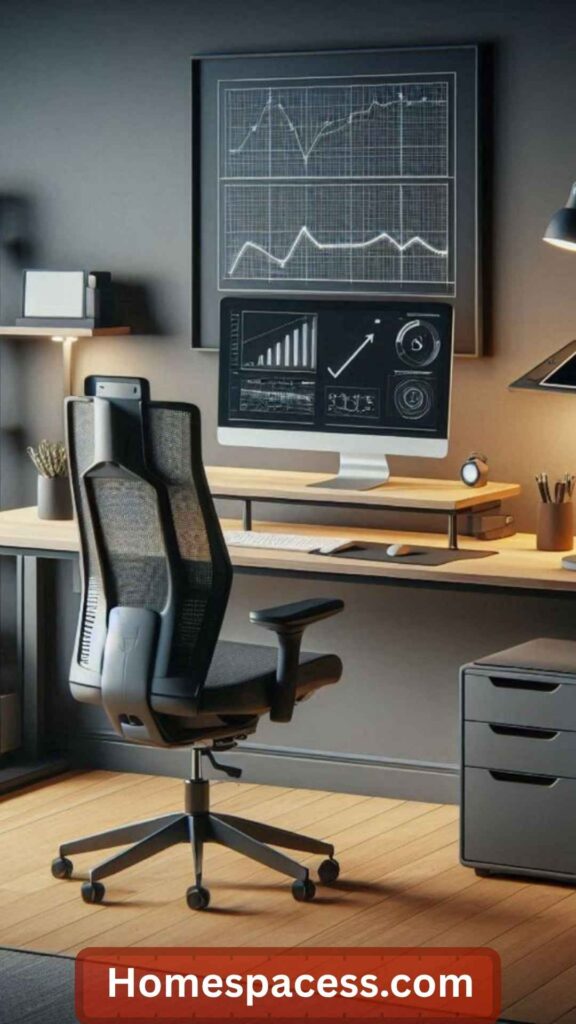
Poor ergonomics is a silent productivity killer. The average knowledge worker spends 6–8 hours a day at a desk, and misaligned posture accumulates into chronic neck pain, wrist strain, and lower back problems within months. The correct monitor height places the top of your screen at eye level not the center so your neck remains neutral. Your keyboard should sit at elbow height with wrists flat, not elevated. Invest in a chair with proper lumbar support before spending money on aesthetics.
One commonly overlooked ergonomic factor is monitor distance. The “arm’s length” rule is a starting point, but people with larger screens (27″+) often need 70–80cm of distance to avoid eye strain. Pair this with the 20-20-20 rule: every 20 minutes, look at something 20 feet away for 20 seconds to reduce ciliary muscle fatigue. A quality monitor arm not a stand gives you the freedom to quickly adjust height and depth throughout the day, which is far better than a fixed position.
Quick Test: Sit at your desk right now. Can you see the top of your monitor without tilting your head up? Is your back touching the chair’s lumbar support? If not, these two fixes alone will meaningfully reduce fatigue within a week.
Must Read: Small Kitchen Ideas: 18 Expert Transformations That Actually Work
Design a Smart Natural Light Strategy
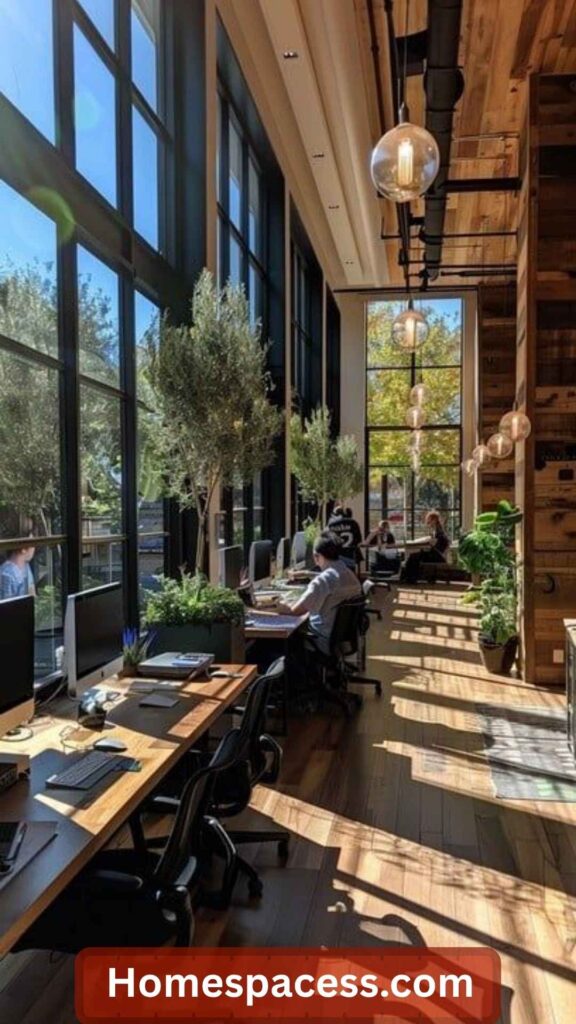
Positioning matters more than window size. Natural light from the side of your monitor not directly in front or behind eliminates both screen glare and harsh contrast. A north-facing window (in the Northern Hemisphere) provides steady, diffused light throughout the day without the afternoon sun blasting your face. If you’re south-facing, invest in sheer linen curtains that diffuse light without blocking it entirely. This one adjustment can eliminate the worst headaches that home workers attribute to “screen time.”
Exposure to morning daylight ideally within the first hour of waking also regulates your circadian rhythm. Research from the Salk Institute shows that morning light exposure meaningfully improves alertness, mood, and sleep quality. If your home office gets limited natural light, a 10,000-lux SAD lamp placed to the side of your workspace for 20–30 minutes each morning mimics this effect. It’s particularly valuable during winter months when the sun rises late and sets before the workday ends.
Take Acoustic Management Seriously
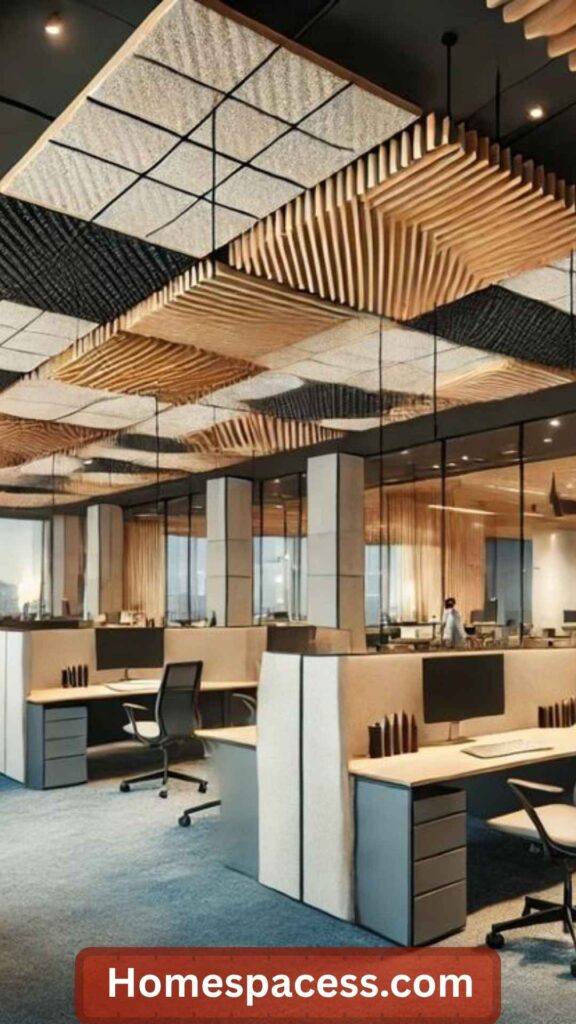
Noise is one of the most underestimated barriers to deep work. Open-plan home environments where the kitchen, living area, and workspace share a sound profile make sustained concentration nearly impossible. The fix isn’t always expensive: bookshelves filled with books, thick rugs, upholstered furniture, and fabric wall hangings all absorb reflected sound. These additions can drop ambient reverb significantly in a typical room without any dedicated acoustic panels.
For those in genuinely noisy environments busy streets, shared homes, construction the layered approach works best. A quality pair of active noise-cancelling headphones handles irregular spikes (dogs barking, doors slamming). A white noise or brown noise machine running softly in the background masks the low rumble of consistent ambient noise. For video calls specifically, a USB condenser microphone with a cardioid pickup pattern captures your voice while rejecting room noise from behind and to the sides a far better upgrade than most people expect.
Acoustic Quick Win: Hang a thick tapestry or framed acoustic panel behind your video call background. It improves both your room’s sound quality and your professional appearance on calls two benefits from a single $80 investment.
Embrace Biophilic Design for Cognitive Recovery
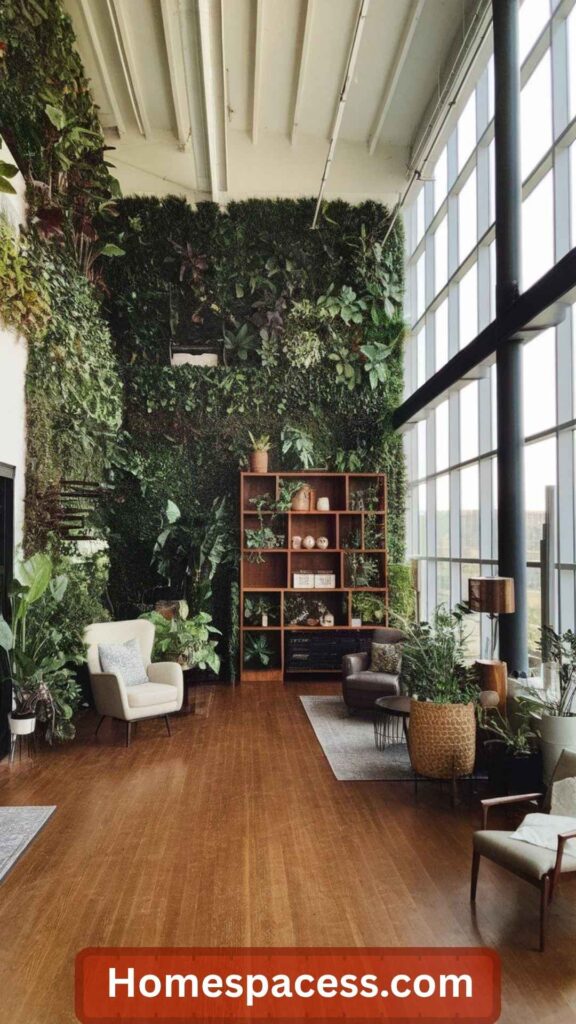
Biophilic design the integration of natural elements into built environments is one of the few workplace interventions with robust psychological evidence behind it. Studies from the University of Michigan and Harvard found that even brief exposure to natural elements reduces directed-attention fatigue and restores focus capacity. In a home office context, this means plants, natural materials like wood and stone, water features, or even high-quality nature photography. The effect is not aesthetic it’s neurological.
You don’t need a jungle. A single medium-sized plant (a monstera, snake plant, or peace lily) within your visual field provides measurable benefit. Plants that require occasional care watering, pruning also serve as micro-breaks that refresh attention without the dopamine hit of checking your phone. If you genuinely lack a green thumb, preserved moss panels or dried arrangements provide similar visual texture. The key is incorporating organic shapes and natural materials within your primary line of sight.
Build a Sustainable Standing Desk Routine
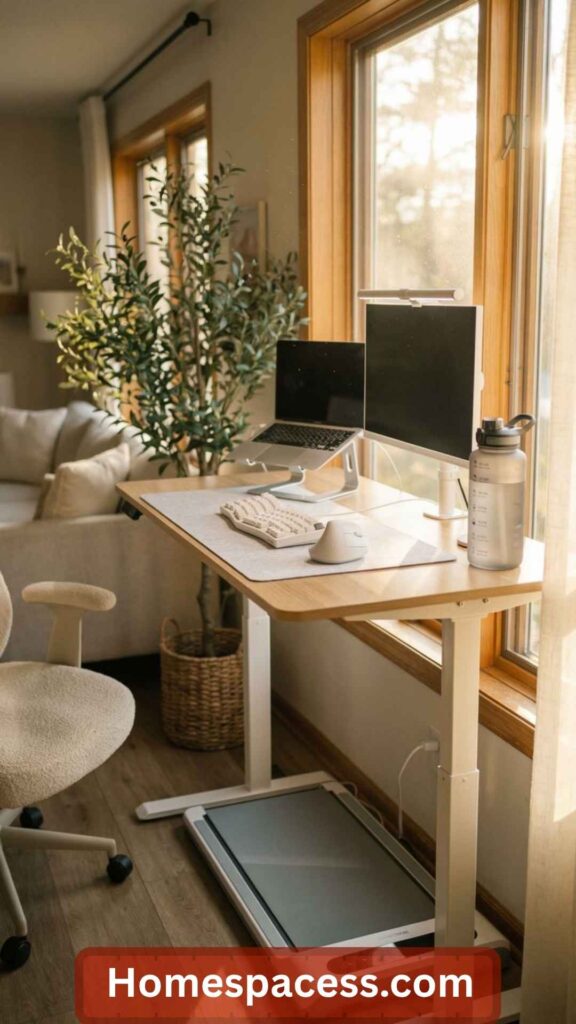
Standing desks are widely recommended but frequently misused. Standing all day is as harmful as sitting all day the goal is dynamic movement between postures. The evidence-backed ratio for optimal musculoskeletal health is roughly 45 minutes seated for every 15 minutes standing. Electric height-adjustable desks make this seamless, but a fixed standing desk with a high-quality anti-fatigue mat is a more affordable entry point for those who don’t need full adjustability.
When choosing a standing desk, prioritize stability over price. Cheap standing desks wobble at full height, which is distracting and potentially damaging to your equipment over time. Brands like Flexispot and Uplift have strong stability ratings in the mid-price range. Pair your standing routine with a timed reminder many people buy a standing desk and never use the standing feature because they forget. Set a recurring 45-minute desk timer and treat position changes as part of your workflow, not an interruption to it.
Set Up a Dual (or Ultra-Wide) Monitor Configuration
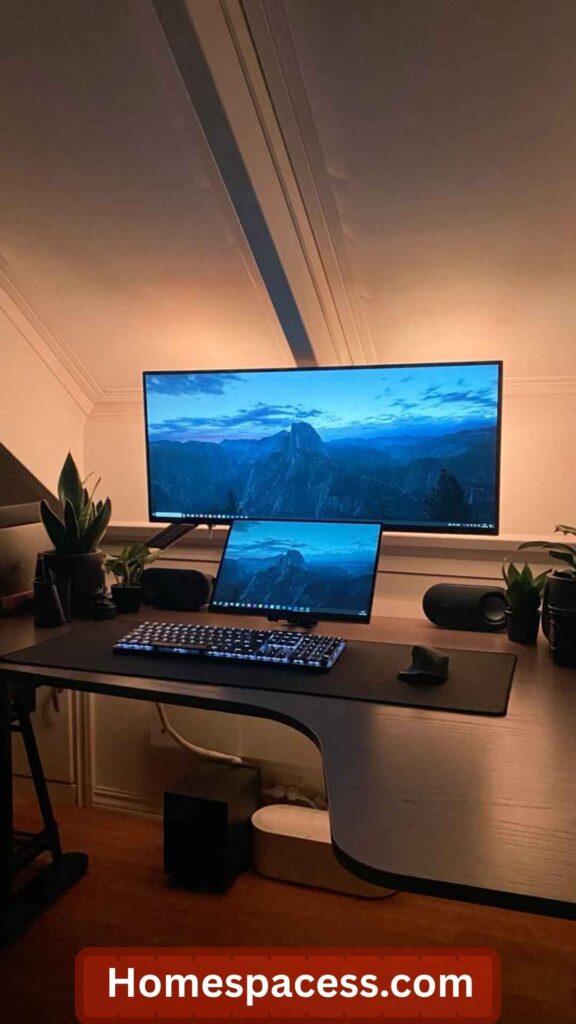
Multiple studies in human-computer interaction research have documented productivity gains of 20–50% for knowledge workers who switch from a single screen to a dual-monitor setup. The reason is simple: cognitive task-switching costs attention. Switching windows constantly on a single screen imposes a mental overhead that a second screen eliminates. For writers and researchers, having a reference document open on one screen while writing on another is transformative. For programmers, keeping code and documentation side-by-side is even more essential.
The alternative to two separate monitors is a single ultrawide display a 34″ or 38″ curved ultrawide creates the equivalent of two monitors without the physical bezel gap in the middle. This is particularly good for video editing, design work, or spreadsheet-heavy tasks. A vertical monitor as a secondary display (portrait orientation) is an underused gem it’s perfect for reading long documents, reference material, email, and Slack, where the standard horizontal crop wastes enormous screen real estate.
Budget Tip: A refurbished 24″ 1080p IPS monitor from a reputable brand costs under $120 and makes an excellent second screen. The perceived productivity upgrade is immediate many home workers rank this as the single best investment they’ve made.
Master Cable Management for a Clutter-Free Desk
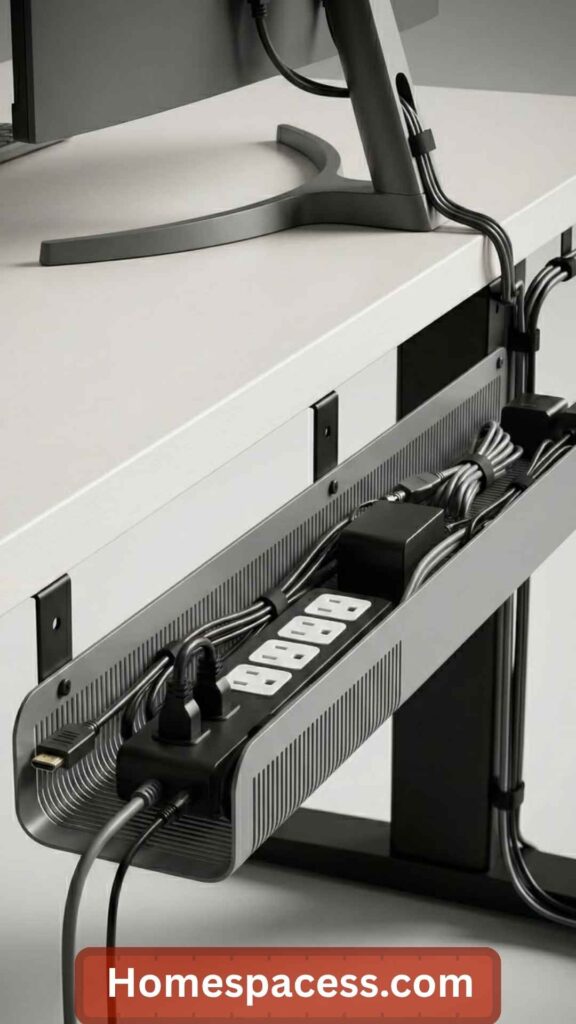
Visual clutter directly impedes focus. A Princeton neuroscience study found that physical disorder in the visual field competes for neural resources, reducing the cognitive bandwidth available for complex tasks. Cable chaos on and under a desk is a constant low-grade distraction. The good news: effective cable management is a one-afternoon project with immediate and lasting payoff. Under-desk cable trays, velcro cable ties, and a cable spine (a flexible tube that bundles multiple cables) eliminate 95% of desk clutter without major investment.
The professional approach goes one step further: build a “clean desk protocol” into your end-of-day routine. Everything that doesn’t need to be on the desk permanently goes away when you close the laptop. This takes 90 seconds and has an outsized psychological effect the following morning a clean workspace feels easier to return to. For frequently connected devices like headphones and phones, a dedicated charging dock keeps everything in one accessible spot without the cable tangle.
Layer Your Lighting for Different Times of Day
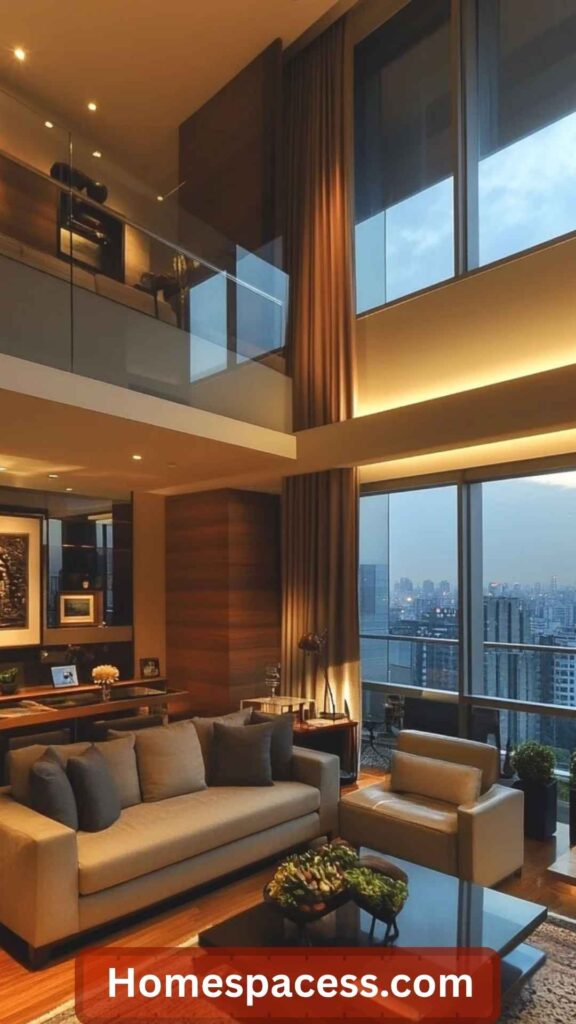
Single-source overhead lighting is the enemy of home office comfort. It creates harsh shadows, eye strain, and importantly it doesn’t adapt to the natural shift in ambient light throughout the day. A layered lighting setup uses three types of light: ambient (general room brightness), task (direct, focused light for your work surface), and accent (softer background light that reduces contrast between your screen and the surrounding environment). Together, these layers create a more balanced visual environment that reduces fatigue over a long workday.
Smart bulbs with tunable color temperature allow you to shift from cool daylight (5000K, good for morning alertness) to warm amber (2700K, good for wind-down in the afternoon). Connecting these to an automation routine means your office environment subtly supports your energy levels without any manual adjustment. A bias light a strip of LED behind your monitor reduces eye strain by lowering the contrast ratio between the bright screen and the dark wall behind it. This is a sub-$30 fix that many long-time computer users immediately notice as beneficial.
Design Personalized Storage That Actually Works
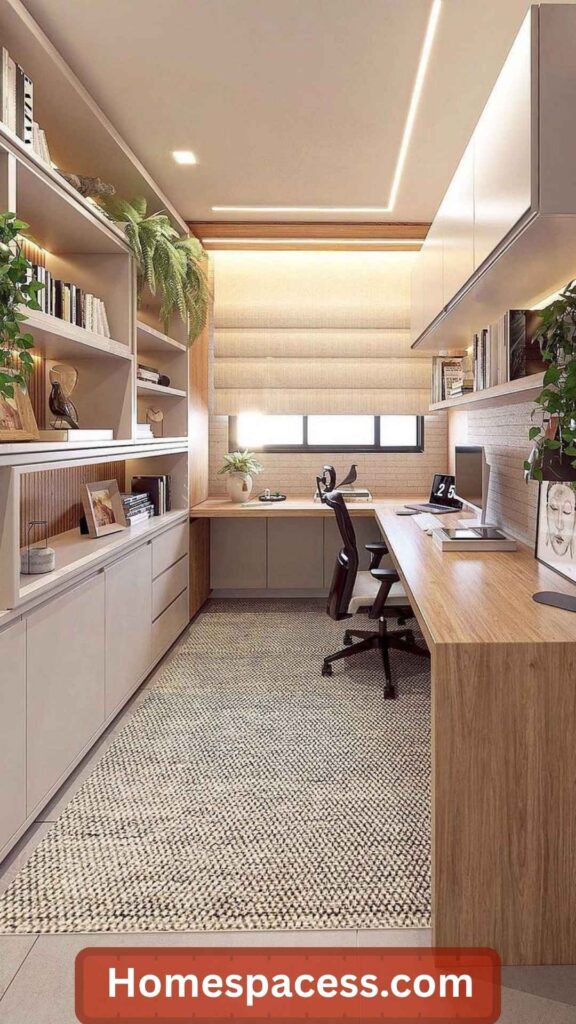
Generic office storage fails because it doesn’t account for your specific workflow. Before buying shelves or filing cabinets, map out what you actually need within arm’s reach during a typical work session. Most people need far less than they think a laptop, a notepad, one or two reference books, headphones, and a water bottle. Everything else can live further away. Design your immediate desk zone (within 1 arm’s length) for your top 5 most-used items. Secondary items go within 2 steps. Archives and rarely-used files go in a closet or drawer entirely.
Vertical storage is consistently underused in home offices. Wall-mounted floating shelves above the desk keep reference materials accessible without consuming desk surface area. Pegboards a popular choice in maker and craft spaces adapt the same principle to tools and accessories, with a strong visual organizing effect. For paper-heavy workflows, a dedicated in-tray and out-tray with a daily processing habit prevents documents from accumulating into a distracting pile.
Add a Digital or Physical Whiteboard for Thinking Space
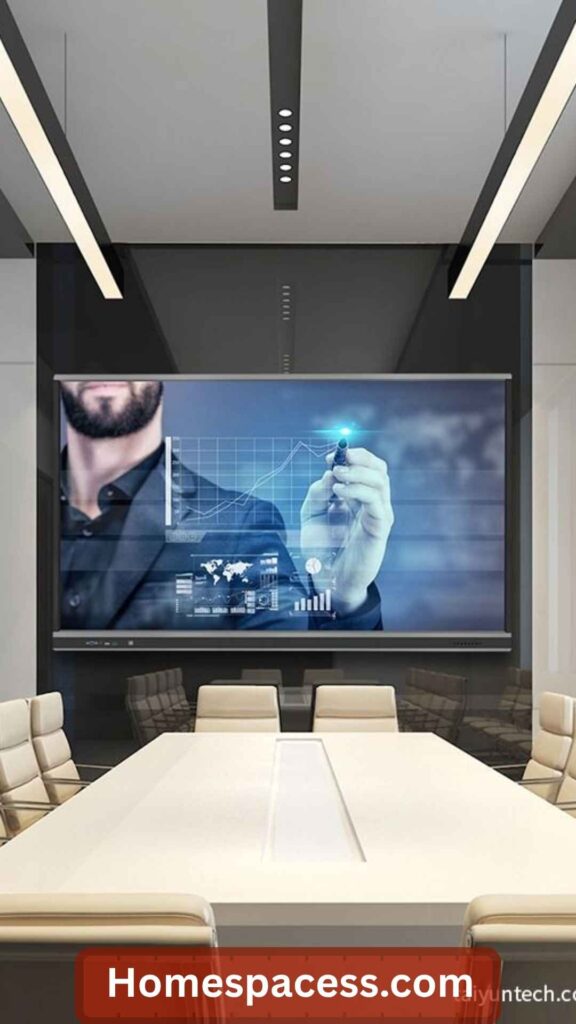
Externalizing your thinking getting ideas, plans, and connections out of your head and onto a visible surface is a core practice of high performers across creative and analytical fields. A whiteboard (physical or digital) near your desk creates a “thinking canvas” that keeps complex projects visible and navigable. Physically writing and sketching activates different cognitive processes than typing, which benefits brainstorming, planning, and problem-solving tasks that feel stuck when done entirely on a screen.
For smaller spaces, a glass whiteboard painted directly on a wall section is a sleek alternative to freestanding boards. Dry-erase paint kits cost under $50 and turn any smooth wall section into a writable surface. Digital options like a Remarkable 2 tablet or iPad with an Apple Pencil bridge the physical writing experience with the convenience of digital storage and sharing. Many serious remote workers use a large physical calendar or quarterly planner mounted at eye level as a hybrid whiteboard keeping time-based context visible throughout the day.
Use Circadian-Tuned Color Psychology Intentionally
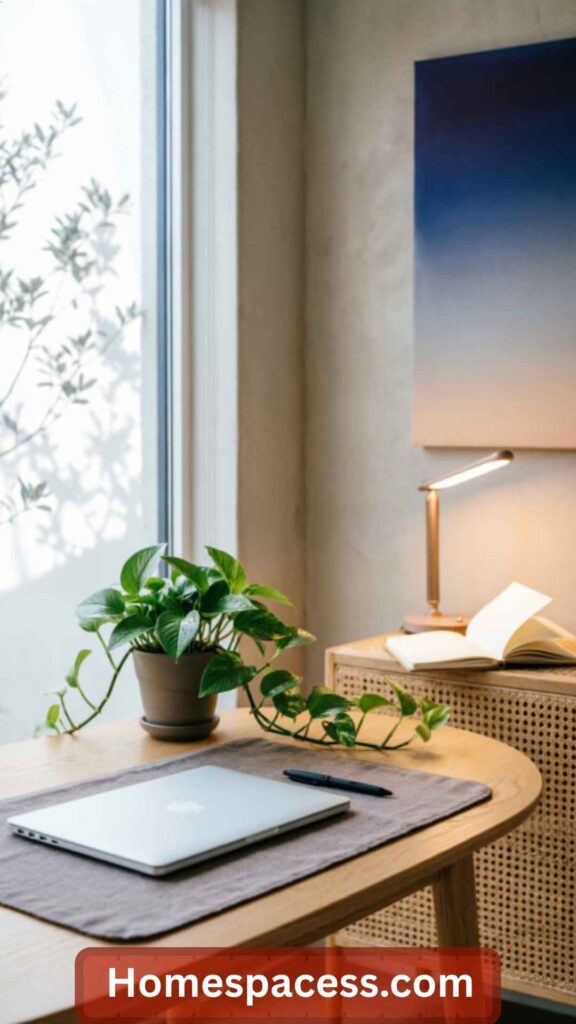
Color affects cognitive performance in documented, measurable ways not just mood. Blue and blue-green tones increase alertness and are well-suited for walls facing your primary work direction. Warm earthy tones (terracotta, warm beige) reduce anxiety and support creative thinking. Avoid pure white or high-chroma colors as primary wall colors they cause visual fatigue over long sessions. The ideal home office palette uses a muted, medium-value background with controlled accent color in accessories and artwork.
An underappreciated insight: the color of your ceiling affects your sense of space and cognitive load more than most people expect. A white or very light ceiling makes rooms feel taller and reduces the sense of confinement which matters for long-focus work sessions. If you’re working in a low-ceiling room, painting it white is a free upgrade. Conversely, darker, more saturated colors on an accent wall behind a monitor can actually reduce screen eye strain by raising the ambient luminance around your primary focal point.
Design a Professional Dedicated Video Call Corner
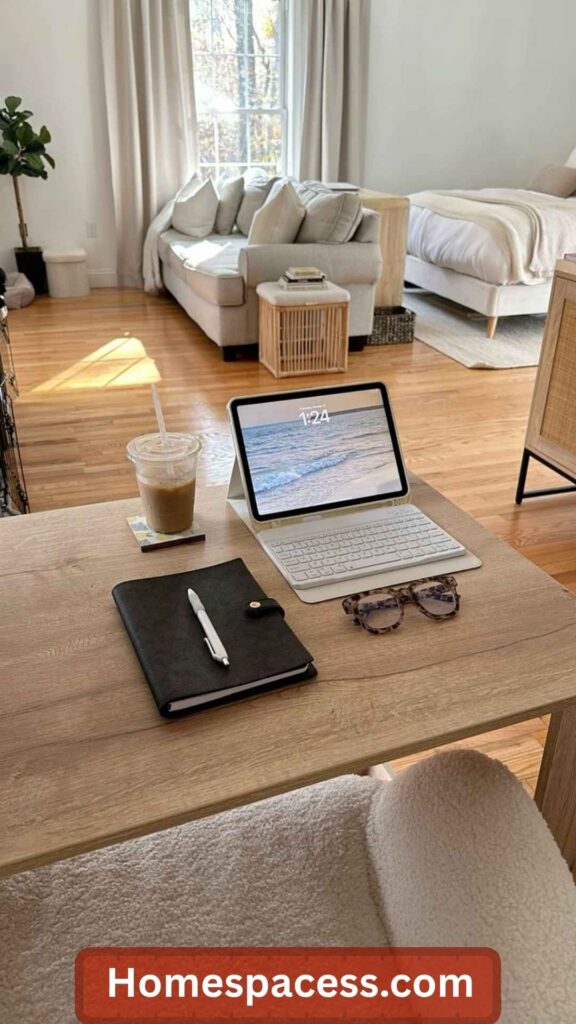
By 2026, video calls are not a novelty they’re core professional infrastructure. Yet most home workers still appear on camera with poor lighting, distracting backgrounds, and inferior audio. Your video call corner should have three elements dialed in: front-facing light (a ring light or LED panel at camera height eliminates harsh shadows), a clean or intentional background (a well-styled bookshelf, a plant, or a simple wall say more about professionalism than a virtual background), and a quality microphone positioned 15–20cm from your mouth.
Camera height is frequently wrong. Laptop cameras placed on a desk point upward, creating an unflattering angle and showing your ceiling rather than your face. A laptop stand or dedicated webcam positioned at eye level immediately looks more professional and assertive a subtle but real psychological signal in leadership and client-facing calls. For those who present or teach frequently, investing in a mirrorless camera as a webcam (via Elgato Cam Link) delivers video quality that is dramatically better than even premium USB webcams.
Create Distinct Focus Zones Within Your Workspace
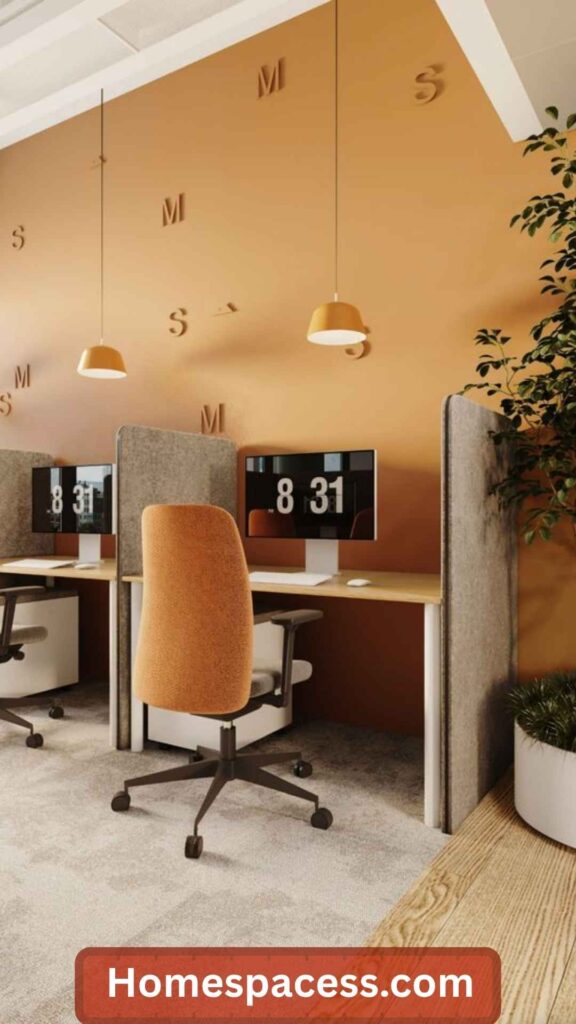
A single desk serves all tasks, but not all tasks deserve the same environment. Consider creating two distinct work positions within your home office: one for deep-focus work (writing, coding, complex analysis) and one for communication tasks (email, calls, light admin). This isn’t about having two full setups it’s about having a secondary surface, like a small reading chair with a side table, where you shift when switching task modes. The physical movement triggers a mental shift that signals your brain to reconfigure its attentional mode.
This idea borrows from the architectural concept of “affordances” the way spaces shape behavior. A desk says “produce,” a chair says “think and read.” Many high-output remote workers use this principle instinctively, moving to a different chair for brainstorming, standing at a window to think through problems, or working briefly from a different room to break a mental logjam. Formalizing these micro-environments makes the benefit deliberate and repeatable.
Build a High-Function Compact Office Nook
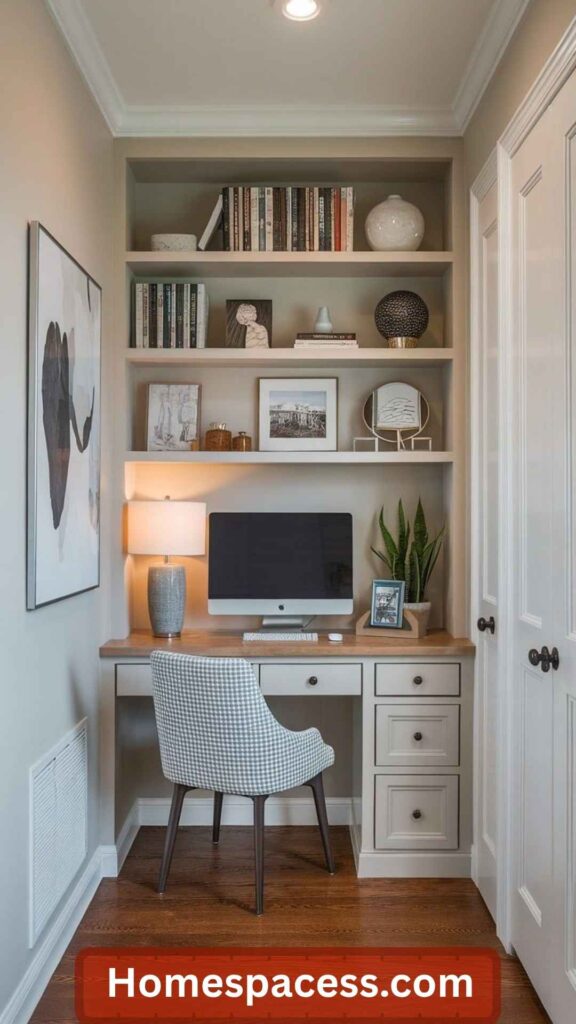
Limited space is a real constraint for many remote workers, but a thoughtfully designed compact nook can outperform a poorly arranged large office. The key principle is vertical efficiency: use every inch of wall space above your desk and keep the desk surface reserved strictly for active use. A murphy desk a fold-down desk mounted to a wall can turn a hallway alcove or bedroom corner into a fully functional office that disappears when the workday ends. IKEA’s KALLAX and BILLY systems are excellent for building custom vertical storage around a compact desk footprint.
Lighting is critical in compact spaces. Under-shelf LED strips add task lighting without consuming surface space. A slim monitor or laptop placed at the correct ergonomic angle on an adjustable arm takes up far less depth than a conventional desk setup. Mirrors used strategically particularly on the wall directly opposite the workspace add perceived depth and bring natural light deeper into the nook. The compact office nook done well is not a compromise; it’s a design challenge with a genuinely elegant solution.
Build a Centralized Power and Connectivity Hub
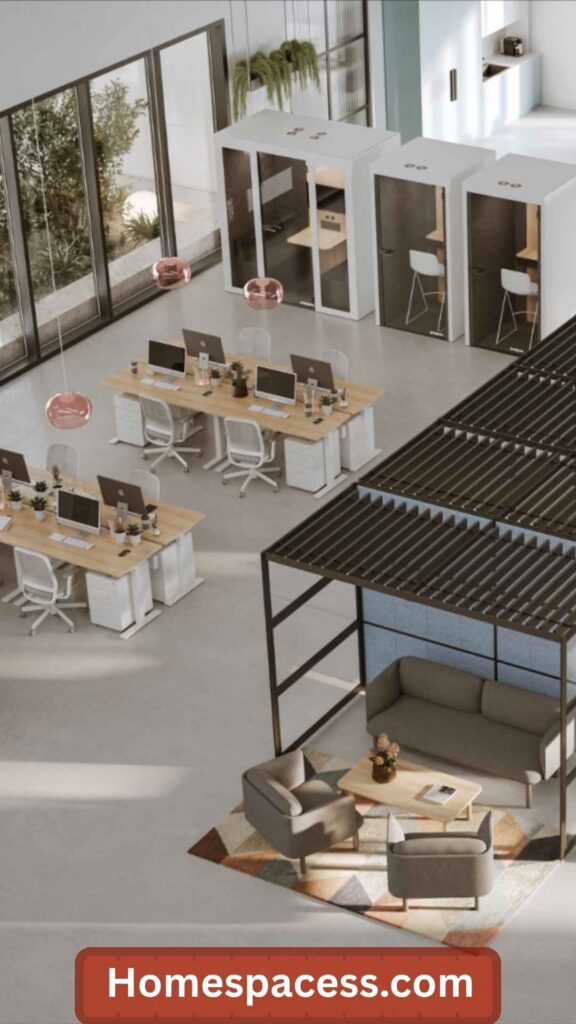
Most home office technology fails silently: intermittent Bluetooth dropouts, slow USB charging, unreliable Wi-Fi near interference sources. A centralized connectivity hub a USB-C docking station paired with a surge-protected power strip and a dedicated mesh Wi-Fi node positioned near your workspace eliminates most of these frustrations in one step. Connecting everything to a single dock means your laptop goes from travel to fully set-up workspace in one cable connection. This seemingly small upgrade compounds over weeks and months of fewer interruptions.
Network quality deserves specific attention for remote workers. Connecting your computer to your router via ethernet (even if your router is far away powerline ethernet adapters solve this) eliminates the packet loss and latency spikes that cause video call instability. A dedicated ethernet connection from your mesh node to your desktop or docking station provides dramatically more stable bandwidth than Wi-Fi, particularly in apartments with high wireless congestion from neighboring networks.
Curate a Personal Inspiration and Motivation Wall
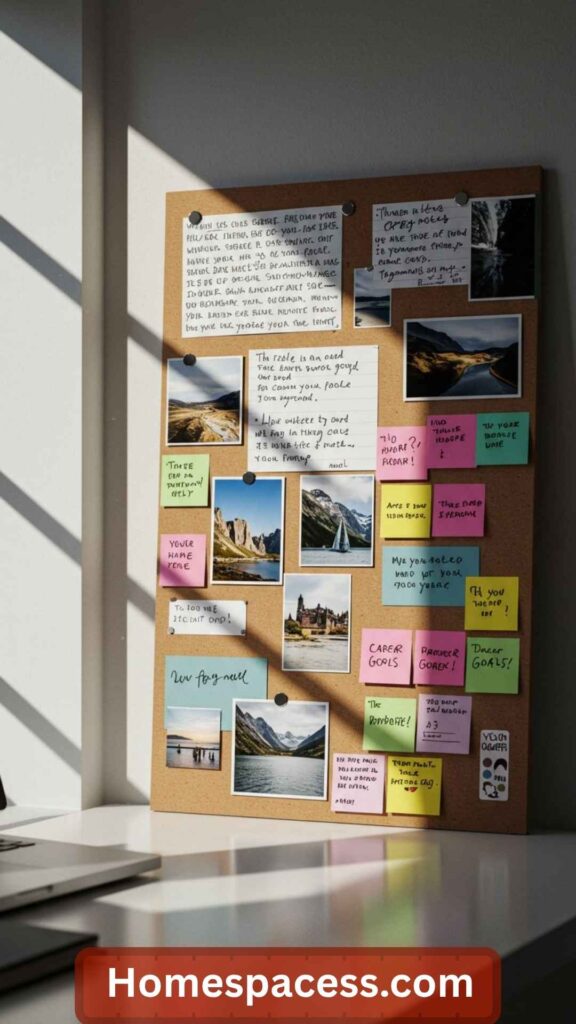
The objects you surround yourself with influence your cognitive and emotional state a well-established finding in environmental psychology. An inspiration wall a curated collection of meaningful images, quotes, goals, and reference materials placed within your visual field keeps your motivational context visible and emotionally resonant. This is distinct from generic motivational posters. The most effective inspiration walls are personal: a map of a place you’re working toward visiting, a printed page from a book that reframed how you think about your field, a photograph from a peak experience.
For creative professionals, a reference wall serves a dual purpose: it keeps aesthetic references (color palettes, design directions, typographic examples) visible without needing to open a browser. For analytical workers, a goal tracker or key metrics board makes abstract targets concrete and visual. The act of curating and maintaining this wall is itself a reflective practice removing things that no longer resonate, adding new reference points as your work evolves. It’s the physical equivalent of a pinned browser bookmark, but far more present in your visual awareness.
Harness Scent and Ambient Ambiance as Cognitive Tools

Olfactory stimuli have a faster and more direct route to the limbic system (the brain’s emotional and memory center) than any other sense which is why scent is a powerful and underused productivity tool. Specific scents have documented cognitive effects: rosemary essential oil has been associated with improved memory performance in multiple studies; peppermint increases alertness and decreases mental fatigue; and lavender used at the end of the workday accelerates the psychological transition to rest mode. A simple diffuser is a low-cost way to begin experimenting with these effects.
Ambient sound is similarly powerful. Brown noise (deeper and warmer than white noise) is particularly effective for masking distracting background sounds without itself becoming a distraction. Lo-fi and instrumental music at low-to-moderate volume is associated with moderately improved performance on creative tasks. Nature soundscapes rain, gentle streams, forest ambience reduce stress markers and support the kind of open, divergent thinking that precedes creative breakthroughs. The key is intentionality: choosing sounds that match the cognitive demand of your current task.
Build a Hybrid-Ready Tech Stack for 2026 and Beyond
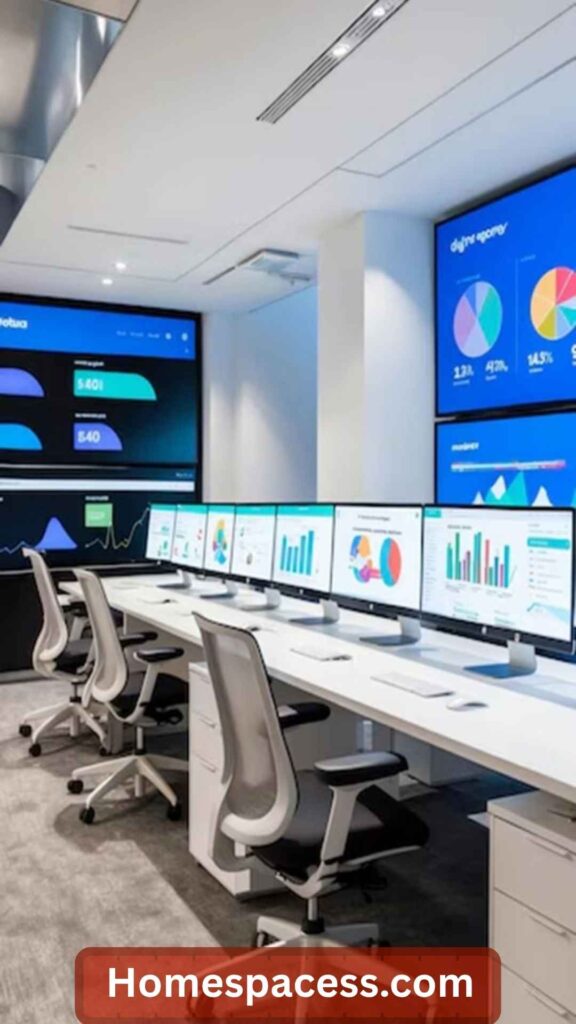
The modern remote worker needs a tech setup that performs equally well at home, in a co-working space, and in-office — with no friction when switching between them. A cloud-first approach (storing all active files in a synchronized cloud drive like iCloud, Google Drive, or OneDrive) combined with a laptop-centric setup (where the laptop IS the computer, not just a terminal for a tower) gives you complete context continuity regardless of location. Paired with a universal USB-C dock at your home office, this setup is zero-setup on arrival and zero-effort on departure.
A secondary consideration often missed: cybersecurity infrastructure for home offices. Remote workers using home networks are statistically more vulnerable to credential phishing, unsecured Wi-Fi, and social engineering attacks. A hardware-based password manager (Yubikey), a VPN for public network use, and full-disk encryption on your primary device are baseline protections that many home workers still haven’t implemented. As more sensitive business operations migrate to remote environments, this hygiene becomes professionally essential, not just personally responsible.
Design a Mindfulness Corner for Recovery and Renewal
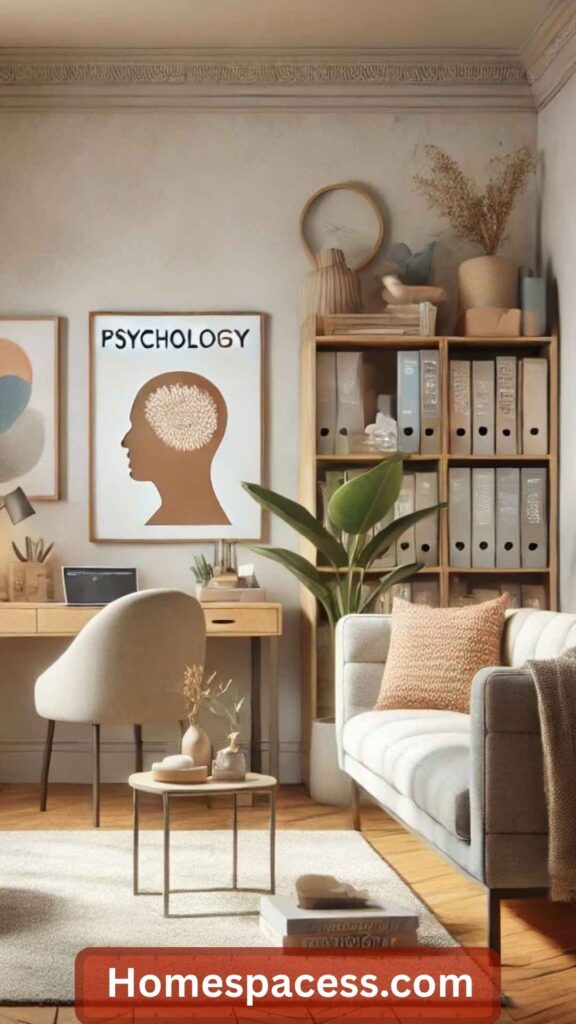
High performance requires recovery, not just effort. Cognitive resources deplete over a workday and must be actively restored this is the core insight of the “ultradian performance rhythm” model developed by researcher Peretz Lavie. Every 90–120 minutes, your brain naturally cycles toward a lower-alertness state. Fighting this rhythm with more coffee and willpower degrades output quality. Working with it by building in deliberate micro-recovery breaks sustains higher average performance across the day. A dedicated physical space for these breaks makes them more restorative.
This doesn’t need to be elaborate. A comfortable chair, a small side table for a cup of tea, a window view, and perhaps a brief meditation or breathing practice marks the space as recovery territory. The physical separation from the desk is important sitting in the same chair with your phone or a book still anchors you to the work context. Even stepping to a different corner of the room for 5–10 minutes creates enough environmental shift to activate the parasympathetic nervous system and initiate genuine mental recovery before the next deep work block.
Micro-Recovery Protocol: Step away from your desk, look out a window or at a distant object, take 5 slow breaths, and do a brief body scan. This 4-minute sequence, practiced every 90 minutes, measurably reduces afternoon energy crashes for many remote workers.
Conclusion
You don’t need to implement all 20 ideas at once. Start with the foundations: dedicated zone, ergonomic setup, and lighting. These three changes alone will meaningfully improve your workday experience within the first week.
Then layer in the refinements acoustic management, biophilic elements, a proper connectivity hub over the following weeks. Think of your home office as a long-term investment in your professional performance and personal wellbeing. Small, thoughtful upgrades compound dramatically over months and years.
The best home office isn’t the most expensive one. It’s the one most precisely calibrated to how you think, how you work, and what you’re trying to build.
▲ Trend Analysis · 2026 & Beyond
Home Office Design Trends Shaping the Next 3 Years
68%
of remote workers plan a dedicated office upgrade in 2026
$47B
global home office furniture market by 2027
3x
growth in AI-integrated smart desk accessories since 2024
The most significant current trend is the shift from “functional” to “restorative” home office design. Early pandemic-era setups prioritized getting a screen and a chair in a room. The 2025–2026 wave is about spaces that actively support cognitive recovery, not just task execution. Designers are borrowing from hospitality and wellness architecture incorporating textured materials, layered lighting, nature integration, and spatial variety into what used to be purely utilitarian rooms. This shift is driven by a growing body of occupational health research showing that environment directly affects sustained work quality, not just momentary comfort.
A second major trend is the normalization of multi-mode workspaces. As hybrid work patterns stabilize with many professionals splitting time between home, co-working, and office home offices are being designed for video call performance as much as personal productivity. This means intentional camera backdrops, acoustic treatment, and professional-grade audio are moving from “nice to have” to expected infrastructure. Simultaneously, the integration of AI-powered tools (ambient meeting transcribers, smart noise-cancelling systems, AI-assisted task managers) is beginning to reshape the physical layout of home offices to accommodate voice interaction as a primary interface.
Looking ahead to 2027–2028, the most forward-thinking home office designers are planning for neuroadaptive environments spaces where lighting, temperature, and sound conditions automatically adjust based on biometric feedback (heart rate variability, eye tracking, keystroke cadence) to optimize the environment for the user’s current cognitive state. While this sounds futuristic, the foundational technology (consumer wearables + smart home APIs) already exists and is being prototyped in progressive co-working spaces globally.
◆ Expert Insights & Practical Optimization
What High-Performing Remote Workers Actually Do Differently
23%
average productivity gain from a properly ergonomic setup
40min
average time saved daily with a clean, organized workspace
2x
deeper focus sessions reported with acoustic treatment
One pattern that distinguishes high-performing remote workers from average ones is intentional environmental design they treat their workspace as a tool, not a given. Rather than accepting whatever light or noise their home provides, they actively engineer the conditions that support their best work. This means doing a genuine environmental audit: tracking when they feel most focused, most tired, most creative, and correlating those states with environmental conditions (time of day, lighting, noise level, temperature). This audit usually reveals 2–3 specific changes that have outsized impact.
Another insight often missed in generic productivity advice: thermal comfort has a larger effect on cognitive performance than most people realize. Research from the Helsinki University of Technology suggests that performance on complex cognitive tasks peaks at approximately 22°C (71.6°F) and declines meaningfully above 25°C (77°F). Many home office workers particularly in warmer climates or during summer months unknowingly work at temperatures that subtly impair focus. A simple thermometer and a personal desk fan or small air purifier with a cooling function can be among the cheapest and most effective productivity upgrades you make.
The most universally cited insight from experienced remote workers is the value of the “shutdown ritual” a deliberate, consistent end-of-day routine that psychologically closes the workday. This typically includes reviewing what was completed, writing tomorrow’s top three priorities, tidying the desk to the baseline state, and then physically leaving the workspace and not returning until the next morning. This ritual addresses the most common complaint of remote work the inability to “switch off” more effectively than any app or timer system.
○ Sustainability & Long-Term Value
Building a Home Office That Ages Well and Respects the Planet
Sustainability in home office design is about two things: environmental responsibility and long-term personal value. On the environmental side, the most impactful choices are the large purchases desks, chairs, and shelving. Buying secondhand from quality brands (Herman Miller chairs, Steelcase desks, solid wood furniture from trusted makers) keeps functional items out of landfill and delivers better quality than new budget alternatives at the same price point. A Herman Miller Aeron purchased secondhand for $500 outperforms any new chair in its price range and will last another decade. The calculus of price per year of use consistently favors quality over cost.
Energy consumption in home offices is a meaningful consideration over a full working career. A power strip with individual switches eliminates standby draw from monitors, docking stations, and speakers that collectively consume significant electricity when idle. LED desk lamps and bias lighting use 75–80% less energy than equivalent incandescent options. Switching to energy-efficient monitors (look for Display HDR or MHL certification) and enabling power-saving modes meaningfully reduces both your carbon footprint and your electricity bill over years of use. These aren’t dramatic sacrifices they’re one-time setup decisions with compounding benefits.
The long-term value perspective also means choosing materials that improve with age. Solid wood desks develop character over time rather than deteriorating like MDF or particleboard. Quality leather chair accessories patina attractively. Wool rugs wear better than synthetic alternatives and are naturally fire-resistant and biodegradable. When you invest in quality natural materials, you’re often making a better long-term financial decision as well as an environmental one the “buy cheap, buy twice” principle applies strongly to the high-use items in your workspace.
◆ Future Predictions & Upcoming Innovations
The Home Office in 2030: What’s Coming That You Should Prepare For
82%
of knowledge workers projected to work remotely at least part-time by 2030
$12B
projected market for AR workspace tools by 2028
4x
growth forecast in AI-enhanced personal workspace tech by 2029
Spatial computing is the most transformative technology approaching the home office market. Apple’s Vision Pro and its successors, combined with improving competitors from Meta and Samsung, are quietly preparing to make the physical monitor optional. By 2027–2028, a single headset will plausibly replace 2–3 physical monitors for many knowledge workers, offering an infinitely configurable virtual desktop that follows you from your desk to your couch. The implications for home office design are significant: workspaces may need less dedicated screen real estate and more consideration for physical comfort in non-desk postures.
AI ambient assistants are moving from reactive (you ask, it answers) to proactive (it notices you’re stuck and offers relevant information before you ask). The physical home office will increasingly need to accommodate voice interaction as a primary work interface microphone placement, acoustic treatment, and speaker quality will matter more than they do today. We’ll also see AI-powered focus optimization: systems that analyze your keystroke cadence, break patterns, and calendar to dynamically suggest the best time for specific task types, with your workspace environment (lighting, sound) automatically shifting to support each mode.
One underappreciated near-future development: the convergence of health monitoring and workspace optimization. Consumer wearables now track HRV (heart rate variability), stress levels, sleep quality, and activity with reasonable accuracy. Future home offices will integrate this data with smart home systems to proactively adjust lighting, temperature, and notifications based on your physiological readiness state. On days when your sleep data indicates cognitive impairment, your workspace might automatically schedule fewer meeting slots, lower screen brightness, and queue more passive tasks. The workspace of 2030 will be a responsive partner in your performance, not a passive container.
⚠ Common Mistakes & Overlooked Factors
Home Office Mistakes That Quietly Erode Productivity
Even well-intentioned home office setups often contain several hidden performance drains. Here are the most common mistakes and more importantly, the non-obvious reasons why they’re so damaging.
- Optimizing for aesthetics over function. Instagram-worthy desks with beautiful arrangements often sacrifice ergonomics — monitors too low, chairs too decorative to be supportive, cable management that limits adjustability. Build function first; layer aesthetics on top of a correct ergonomic foundation.
- Treating temperature as irrelevant. Most people select a desk, lighting, and equipment carefully and never think about room temperature. Offices even a few degrees above optimal (22°C/72°F) measurably impair cognitive performance on complex tasks. A personal desk fan or small air cooler is often the highest-ROI purchase many home workers could make.
- Using a monitor that’s too small or too close. The “bigger is better” instinct often leads workers to maximize screen size without considering the optimal viewing distance. A 32″ monitor at 50cm creates eye strain and neck rotation. Calibrate screen size to viewing distance, not to maximum size within budget.
- Neglecting the transition from home to work mode. Without a physical commute, many remote workers start working within minutes of waking a pattern that erodes the psychological boundary between rest and work. A consistent morning ritual (even 15 minutes of movement, reading, or walking) before opening the laptop significantly improves morning focus quality.
- Underinvesting in the chair while overinvesting in the desk. The desk is what visitors see and what photographs well so people spend disproportionately on it. But you sit in the chair for 6–8 hours a day. A $200 desk with a $700 ergonomic chair is a dramatically better productivity investment than a $600 desk with a $200 chair.
- Designing for today’s workflow, not tomorrow’s. Many workers build their home office around their current setup (one laptop, a couple of peripherals) without routing cables and planning surfaces for the likely addition of a second monitor, a docking station, or a podcast/streaming setup within the next 12–24 months. Planning for modest expansion now prevents a complete desk reorganization later.

Team Home Spacess shares simple, practical design ideas that work for real families. The team focuses on cozy décor, soft colors, and natural textures that make a space feel truly lived-in. From everyday decorating tips to creative home projects, Team Home Spacess is dedicated to helping readers create warm, comfortable, and inviting spaces with a fresh and personal touch.